

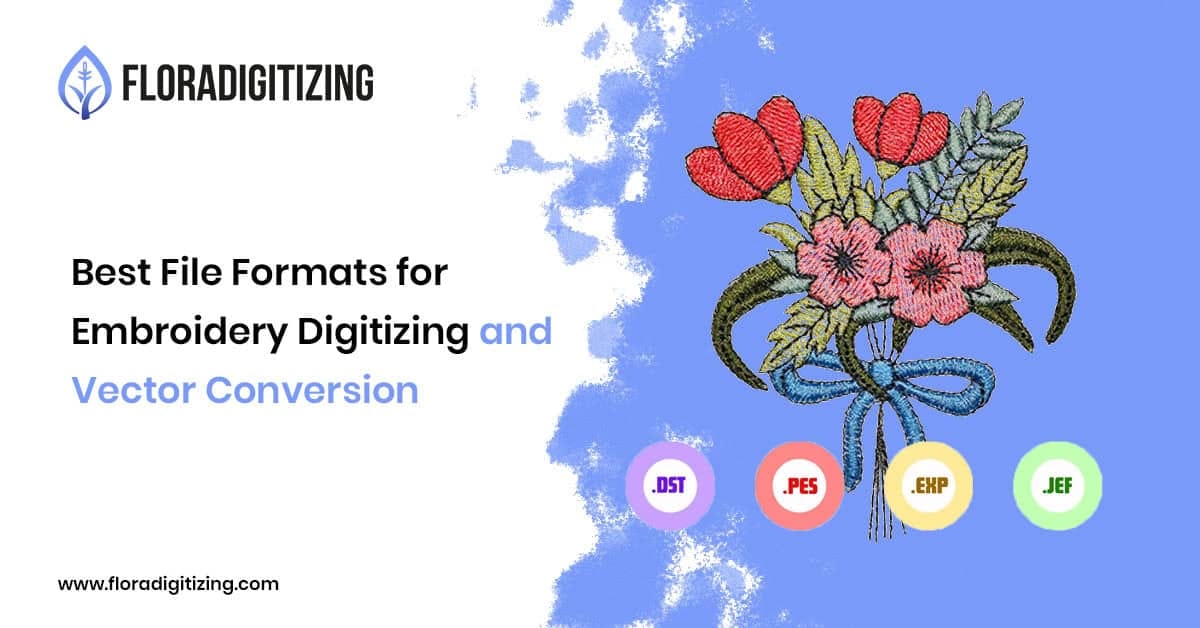
When it comes to embroidery production, choosing the right file format can make the difference between a clean, professional design and a costly production mistake. Whether you operate an embroidery shop, run a clothing brand, manage a print business, or sell custom products online, understanding embroidery file formats helps ensure consistent quality, accurate stitching, and smooth production workflows.
Many businesses receive customer logos as JPG or PNG files and assume they are ready for embroidery. However, embroidery machines require embroidery-ready files that contain stitch instructions rather than image data, making professional embroidery digitizing essential for accurate logo reproduction. Likewise, vector files play an important role in preparing artwork for digitizing, printing, and branding applications.
This guide explains the most commonly used embroidery file formats, vector file formats, and how to choose the right format for your project. Additionally, businesses looking for professional embroidery digitizing, vector conversion, and production-ready artwork can explore the services available through Flora Digitizing. Businesses looking for professional embroidery digitizing, vector conversion, and production-ready artwork can also find additional resources and services on the Flora Digitizing homepage.
What Are the Best Embroidery File Formats?
The most commonly used embroidery file formats are DST, PES, EXP, and JEF. These formats contain stitch data that embroidery machines use to create designs accurately. For artwork preparation and logo conversion, AI, EPS, SVG, and PDF are preferred vector file formats because they maintain quality, support scalability, and improve the embroidery digitizing process.
Understanding Embroidery File Formats
Embroidery file formats are digital files that contain instructions for embroidery machines. These instructions include stitch types, stitch direction, density settings, color changes, underlay stitches, and thread paths.
Unlike image files, embroidery files are specifically created through embroidery digitizing. Professional digitizing converts artwork into machine-readable stitch data, ensuring the design stitches correctly on garments, hats, jackets, patches, and promotional products.
Using the correct embroidery file format helps reduce thread breaks, prevent design distortion, and improve embroidery quality. Moreover, it helps businesses achieve more consistent production results.
Most Common Embroidery File Formats
DST File Format
DST is one of the most widely accepted embroidery file formats in commercial embroidery production.
Benefits of DST files include:
- Compatible with most commercial embroidery machines
- Reliable stitch information
- Ideal for corporate logos and branded apparel
- Preferred by professional embroidery shops
Therefore, many embroidery shops, apparel brands, and promotional product companies across the USA continue to rely on DST files for consistent commercial embroidery production.
PES File Format
PES files are commonly associated with Brother embroidery machines.
Benefits include:
- Supports color information
- Easy machine integration
- Popular among small businesses and apparel decorators
- Suitable for custom embroidery projects
Many home-based embroidery businesses and custom apparel companies rely on PES files for everyday production.
EXP File Format
EXP files are frequently used in commercial embroidery environments.
Advantages include:
- Efficient machine communication
- Professional-grade embroidery production
- Compatible with several machine brands
EXP files are often preferred for larger production runs where consistency is critical.
JEF File Format
JEF files are designed primarily for Janome embroidery machines.
Benefits include:
- Excellent Janome compatibility
- Supports detailed stitch information
- Commonly used for custom embroidery applications
For businesses using Janome equipment, JEF provides reliable performance and design accuracy. Consequently, many Janome users prefer JEF files for custom embroidery projects.
Understanding Vector File Formats
Before a logo can be digitized, it often needs to be converted into vector artwork. Vector files use mathematical paths and curves rather than pixels, allowing designs to scale without losing quality.
Furthermore, vector artwork plays a critical role in embroidery digitizing, screen printing, promotional products, signage, and long-term brand identity development.
AI (Adobe Illustrator)
AI is one of the most widely used vector file formats.
Benefits include:
- Fully editable artwork
- Professional design standard
- Unlimited scalability
- Ideal for logo creation and branding
EPS (Encapsulated PostScript)
EPS files are highly versatile and widely accepted in the printing industry.
Advantages include:
- High compatibility
- Excellent print quality
- Suitable for embroidery preparation
SVG (Scalable Vector Graphics)
SVG files are commonly used for digital and web applications.
Benefits include:
- Lightweight file size
- Responsive scaling
- Sharp visual quality
PDF Vector Files
Vector PDFs are frequently used for sharing artwork between businesses, designers, and production teams.
Benefits include:
- Easy file distribution
- Maintains vector quality
- Broad software compatibility
Many businesses use professional vector artwork preparation through services like Vector Art Conversion Services to ensure logos are production-ready before digitizing begins.PDF files make it easier for businesses to share artwork with designers, digitizers, and production teams.
Embroidery Files vs. Vector Files
| Feature | Embroidery Files | Vector Files |
| Purpose | Machine Stitching | Artwork Creation |
| Contains Stitch Data | Yes | No |
| Scalable | Limited | Yes |
| Used By Embroidery Machines | Yes | No |
| Used For Printing | No | Yes |
| Editable Design Elements | Limited | Yes |
Understanding this distinction helps businesses avoid common production issues and improves communication between designers, digitizers, and embroidery operators. Therefore, businesses can streamline production and reduce artwork-related errors.
Why File Formats Matter for Embroidery Businesses
Embroidery shops, apparel brands, promotional product suppliers, and print companies often face production challenges caused by poor artwork quality or incorrect file formats.
Common problems include:
- Thread breaks during stitching
- Inaccurate logo reproduction
- Design distortion
- Excessive stitch counts
- Production delays
- Additional digitizing costs
Selecting the right embroidery file format and starting with clean vector artwork significantly reduces these issues.
For clothing brands and embroidery businesses serving customers across the USA, file quality directly impacts customer satisfaction, production efficiency, and brand reputation.
Common File Format Mistakes to Avoid
Using JPG or PNG Files for Direct Embroidery
JPG and PNG files contain pixels rather than stitch information. Therefore, businesses must digitize these files before embroidery production begins.
Submitting Low-Resolution Logos
Poor-quality artwork can result in inaccurate digitizing and compromised embroidery quality. As a result, businesses may face additional revisions and production delays.
Ignoring Machine Compatibility
Different embroidery machines may require different file formats. For example, Brother machines commonly use PES files, while Janome machines often require JEF files.
Using Auto-Digitizing Software Alone
Automated digitizing tools often struggle with stitch density, pull compensation, and underlay optimization. Professional digitizing generally produces better embroidery results. Therefore, many embroidery businesses rely on experienced digitizers instead of automated software alone.
How to Choose the Right File Format
The best file format depends on your production goals.
| Application | Recommended Format |
| Commercial Embroidery | DST |
| Brother Machines | PES |
| Janome Machines | JEF |
| Professional Logo Design | AI |
| Printing and Branding | EPS |
| Website Graphics | SVG |
| Multi-Purpose Artwork |
Maintaining both vector artwork and embroidery files allows businesses to use the same logo across embroidery, printing, promotional products, and digital marketing materials. As a result, businesses can maintain brand consistency across multiple production channels.
Why Professional File Conversion Matters
For embroidery shops, apparel brands, Etsy sellers, and promotional product companies, professional file preparation improves overall production quality. Additionally, it helps reduce production errors and improves embroidery accuracy.
Proper vector conversion and embroidery digitizing help:
- Reduce stitching errors
- Improve machine efficiency
- Maintain logo consistency
- Prevent thread breaks
- Support scalable branding
- Improve final embroidery appearance
professional vector conversion and embroidery digitizing help businesses prepare logos for embroidery machines while maintaining artwork accuracy across different branding applications.
Frequently Asked Questions
DST is one of the most widely accepted embroidery file formats because it works with most commercial embroidery machines and provides reliable stitch information.
Can I use a PNG file for embroidery?
No. PNG files contain image data rather than stitch instructions. The artwork must first be digitized into an embroidery-ready format such as DST or PES.
What is the difference between a vector file and an embroidery file?
A vector file contains scalable artwork used for design and printing, while an embroidery file contains stitch instructions that guide embroidery machines during production.
Which embroidery file format is used by Brother machines?
Brother embroidery machines commonly use PES file formats. However, commercial embroidery shops may also work with DST files depending on machine requirements.
Why do embroidery shops request vector files?
Vector files provide clean, scalable artwork that helps digitizers create accurate embroidery files while preserving design quality.
Can a JPG logo be converted into an embroidery file?
Yes. A JPG logo can be converted into vector artwork and then digitized into a machine embroidery file.
What is the most commonly used commercial embroidery format?
DST is widely considered the industry standard because of its compatibility with commercial embroidery equipment.
Does file format affect embroidery quality?
Yes. Using the correct file format improves stitch accuracy, reduces production issues, and helps achieve professional embroidery results.
Which File Format Is Best for Commercial Embroidery?
Commercial embroidery shops most commonly use DST files because they offer broad machine compatibility, reliable stitch data, and consistent production performance. However, the ideal format may vary depending on the embroidery machine, project requirements, and production workflow.
Conclusion
Understanding embroidery file formats is essential for achieving professional embroidery results. Furthermore, choosing the correct file type helps improve embroidery quality and production efficiency.Formats such as DST, PES, EXP, and JEF provide the stitch instructions embroidery machines need, while AI, EPS, SVG, and PDF files support high-quality artwork preparation and branding.
For embroidery shops, apparel brands, print businesses, promotional product companies, and Etsy sellers throughout the USA, choosing the right file format helps improve production efficiency, reduce errors, and maintain consistent brand quality. Ultimately, starting with clean vector artwork and professionally digitized embroidery files helps businesses achieve better embroidery quality improve production efficiency, maintain brand consistency, and support long-term business growth.